
Shopify API access is granted by creating an App on your store. The App is given the privileges needed and allows for each person integrating into the site to get only the access they need to have.
Generate API Token
- Log in to your Shopify admin panel
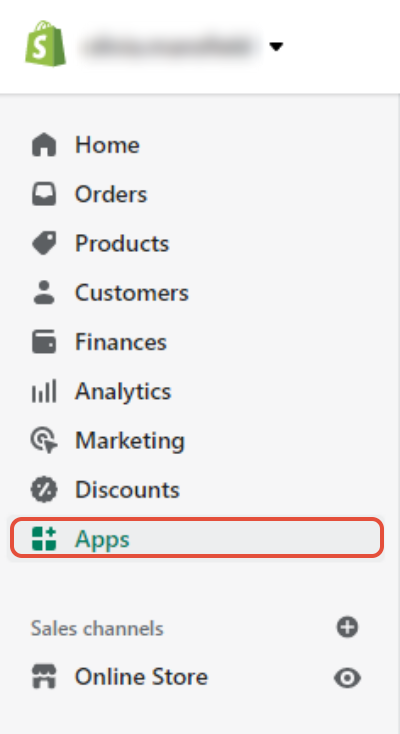
- Click Apps on the left side
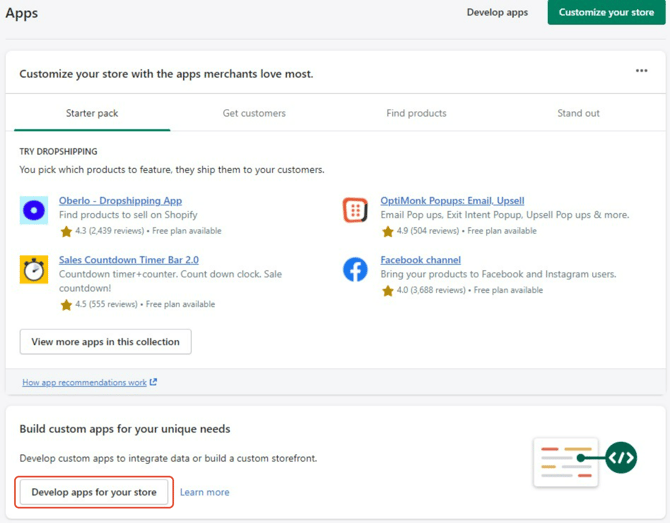
- Click Develop apps for your store
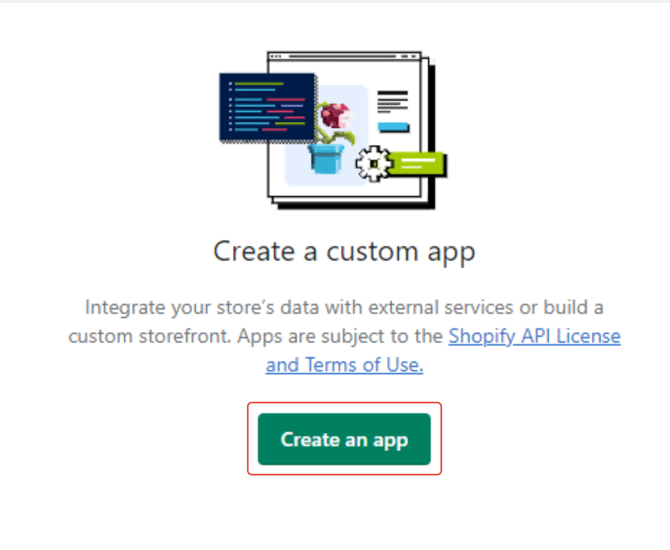
- Create an app
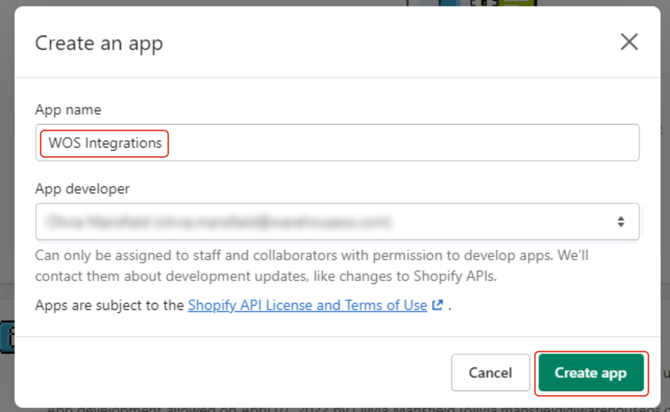
- Name your App WOS Integrations
- Click Create App
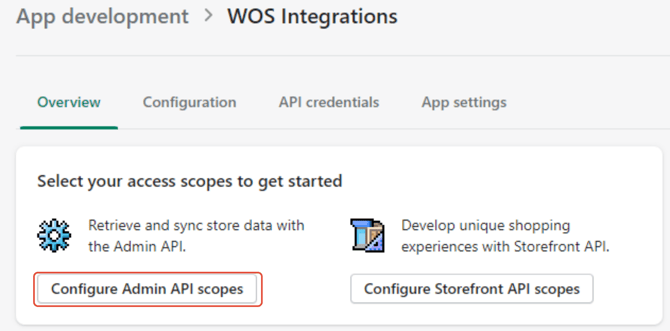
- Click Configure API scopes
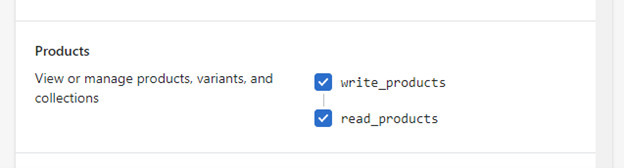
- The App then has to be granted access to various parts of the site. Scroll down to Products and check the boxes to Read and Write.
- If WOS is pushing adjustments back up to Shopify, we will also need Read and Write access to Inventory
- If WOS is downloading orders or checking for cancelled orders, we will need Read access to orders
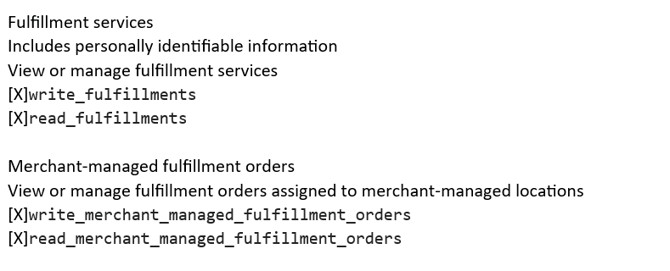
- If WOS is communicating with the shipping system and pushing fulfillments back up to Shopify, we will also need Read and Write permission to Fulfillment Services and Merchang-managed Fulfillment Orders
- Click Save
- Go to API Credentials
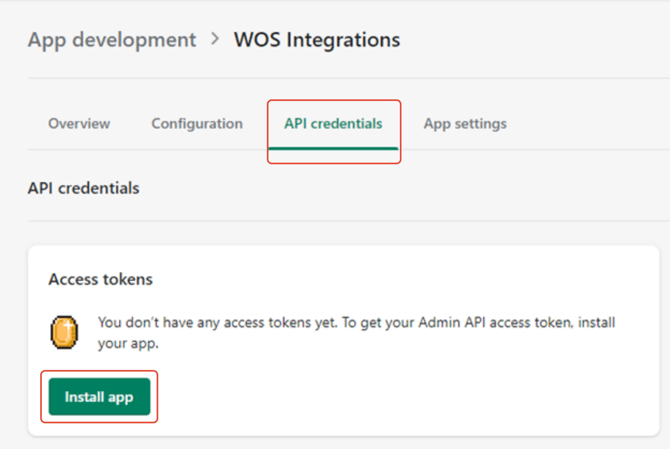
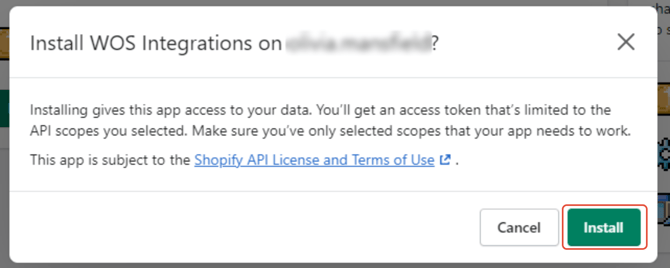
- Click Install App
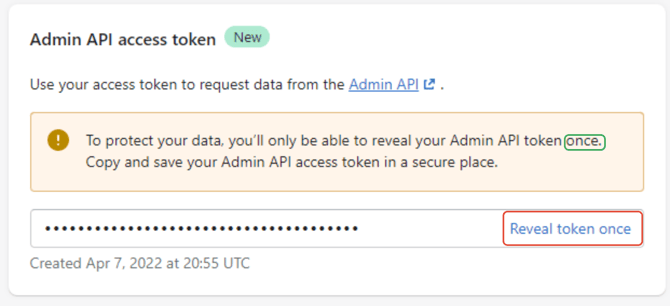
- And reveal the access token. This can only be done ONCE, so be sure to save your token in a secure place for your records and to provide to WOS
- Press Copy to copy it to the clipboard
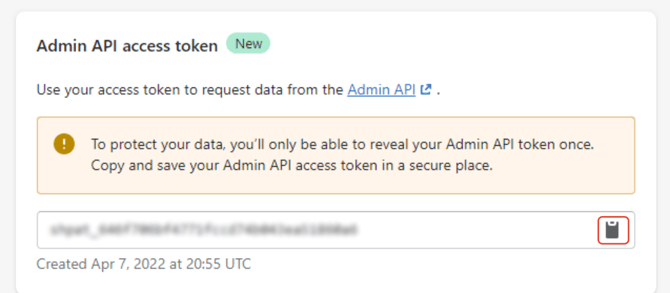
- Paste in safe location.
WOS will need this information to make the connection.