Access to ShipStation is gained by having the API Key and Secret. There isn’t really any complicated setup beyond this requirement.
Generate API Keys
-
Click on the wrench to open the Account Settings page

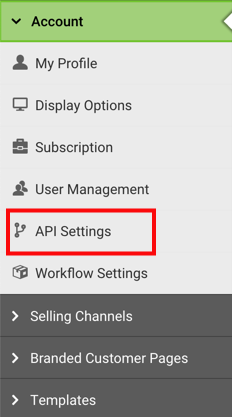
- In the left menu, expand Account and go to API Settings
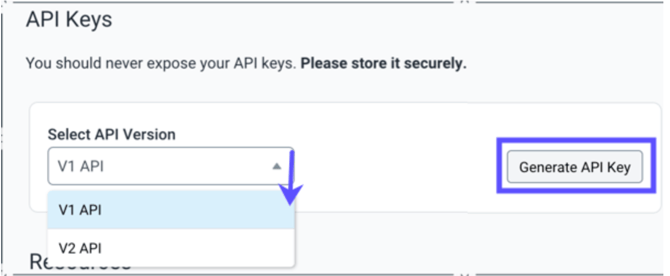
- Select V1 API from the dropdown and click Generate API Key. You will receive an email with a verification link to your user email address.
-
Check the verification link sent to your user email address and then generate the keys again.
The Generate API Key button will reset once you verify your email.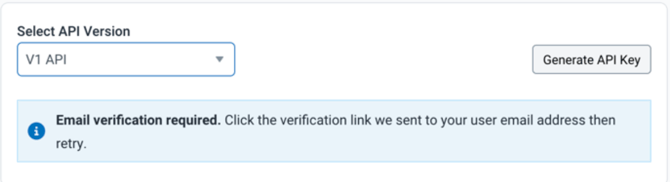
-
Set the expiration at 12 months for your new API Key, then click Generate.
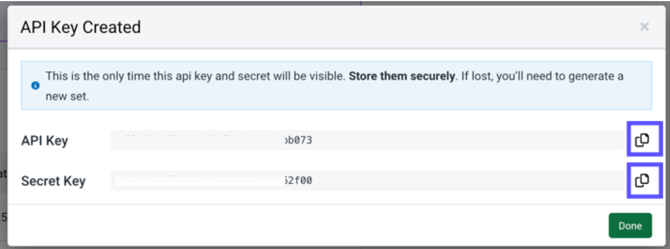
- Click the Copy icon to copy the API Key and Secret. Send both to the WOS Team for credential access to the API.